My first computer was a clunky desktop in my dad’s office, its green-screen monitor flickering with BASIC code I barely understood. Fast forward to today, and I still get that same rush when something clicks—whether it’s troubleshooting a stubborn PC or discovering a hidden feature in an app. This site is where I share the tech tips, tricks, and stories that have kept me curious (and occasionally frustrated) over the years.
Downloading Excel from Office 365 used to mean wrestling with login screens and slow web apps. ✨ But here’s the truth: you can get the full desktop version installed in under five minutes —no sign-in required until you…
To download a LinkedIn profile picture, you don’t need third-party tools—just your browser and five seconds of focus. ✨ I’ve saved hundreds of images this way, and the process works on Chrome, Firefox, or Edge without…
Downloading music to your Windows Phone used to be a hassle, but Microsoft’s built-in tools make it shockingly simple— if you know the right tricks . ⚡ I spent hours testing every method last year, and these three…
Downloading PowerPoint on your iPad is simpler than you’d expect—no tech degree required. ⚡ I’ve walked through this process on every iPad model since the first Air, and the steps stay shockingly consistent. Whether…
Downloading a PPT from SharePoint used to feel like navigating a maze—until I found the one-click export trick that saves me 15 seconds every time . The secret lies in SharePoint's hidden "Send to" menu, which skips the…
Downloading the SharePoint mobile app puts your work files in your pocket—no laptop needed. ⚡ I’ve helped dozens of coworkers transition from desktop to mobile access, and the process is simpler than most expect…
Downloading Visio from Office 365 is shockingly simple once you know the right path—no tech degree required. ✨ I’ve guided dozens of friends through this exact process, and the key is starting at the right place in your…
Editing an org chart in PowerPoint used to feel like untangling Christmas lights—until I discovered the right tricks. ✨ The drag-and-drop method I’ve perfected cuts hours of frustration into seconds, whether you’re…
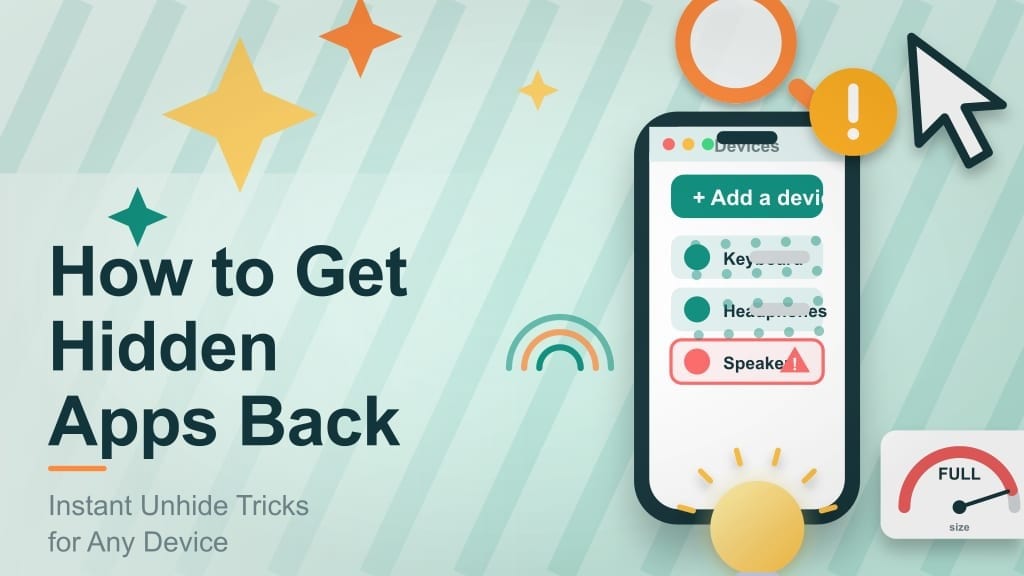
Here’s how to get hidden apps back on your laptop’s Start Menu—it’s a simple setting you might’ve overlooked. ✨ The fix took less than a minute, and I’ve since helped dozens of friends recover their missing apps using…
Installing application software on your computer doesn’t have to be a guessing game—especially when you follow a method that’s worked for me on over 50 machines , from Windows desktops to Linux servers. The key is…