
Software

Developers and IT professionals face constant challenges ensuring date and time values work seamlessly across platforms. This guide covers the most widely recognized formats for date and time values, helping you avoid compatibility issues in cross-platform applications and APIs.
ISO 8601 Standard Date Format

Tired of debugging date inconsistencies between systems? The ISO 8601 standard solves this by providing a universally recognized format that powers everything from REST APIs to database queries.
This format uses YYYY-MM-DD for dates and HH:MM:SS for time, with optional timezone indicators (e.g., 2023-10-15T14:30:00Z). It’s machine-parsable, sort-friendly, and supported natively by JSON, XML, SQL databases, and nearly every programming language—Python, JavaScript, Java, and more.
Perfect for developers building APIs, data pipelines, or international applications where ambiguity isn’t an option. ⚡
Unix Timestamp Format

When your backend needs to crunch numbers faster than a human can blink, Unix timestamps are the unsung hero of time representation. Unlike human-readable formats, this format stores time as a simple integer—seconds elapsed since January 1, 1970 (UTC), making it perfect for calculations, sorting, and database indexing.
Every major programming language supports Unix timestamps natively: Python’s time.time(), JavaScript’s Date.now(), and PHP’s time() all return them by default. For example, the timestamp 1625097600 converts to July 1, 2021, 00:00:00 UTC, but your code treats it as a clean, sortable number. This precision eliminates parsing errors and speeds up comparisons—critical for logging, analytics, and scheduled tasks.
Backend developers and data engineers rely on Unix timestamps for zero-config time math, while DevOps teams use them to debug system logs. If your app handles time-sensitive operations, this format cuts through ambiguity. ⚡
RFC 2822 Email Date Format

Ever sent an email where the date in the header looked off to your recipient? RFC 2822 is the hidden standard keeping email timestamps accurate across every client—from Outlook to Gmail and even legacy systems like Thunderbird.
This format uses a structured syntax like "Wed, 2 Nov 2022 15:30:00 +0000", combining day, date, month, time, and timezone. The timezone offset (+0000) ensures recipients see the correct local time, while the three-letter day abbreviation guarantees compatibility with older email servers. It’s the only format universally recognized by SMTP servers.
Perfect for developers working with email APIs or sysadmins managing legacy mail systems—it’s the glue that prevents date misalignment in cross-platform communication. ✨
Windows File System Date Format
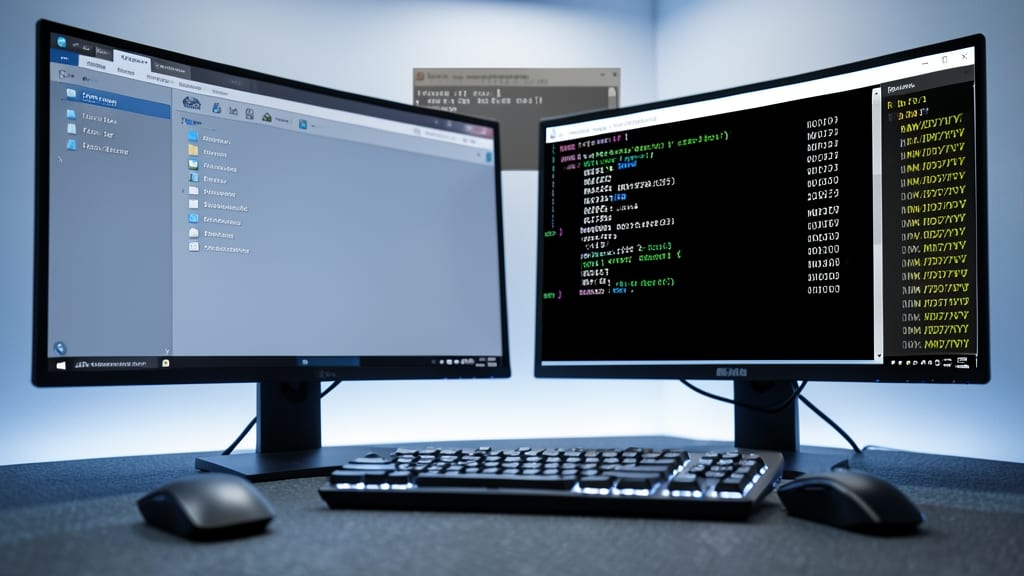
If you’ve ever struggled with file timestamps or legacy Windows software, the MM/DD/YYYY format is your secret weapon. Unlike global standards, this format is hardcoded into Windows file systems, ensuring consistency across File Explorer, registry entries, and even Windows API calls.
This format prioritizes month/day/year ordering, which may seem counterintuitive to international users but is critical for backward compatibility. It’s used in file metadata, system logs, and user-facing tools like Windows Task Scheduler. For developers, it’s the default when working with Win32 APIs or parsing file properties—ignoring it risks misaligned timestamps in applications. ⚡
JavaScript Date Object Format

When building web apps where users interact with dates directly, JavaScript's built-in Date object becomes your best friend. Unlike other formats, it doesn't require external libraries—just native browser support and minimal code to handle everything from timestamps to localized displays.
The Date object automatically accounts for time zones via the browser's local settings, and methods like toLocaleString() let you format dates exactly how users expect to see them (e.g., "June 5, 2024" or "05/06/2024 14:30"). It's also lightweight, with no dependencies, making it perfect for SPAs and dynamic UIs where performance matters.
Frontend developers and full-stack teams will love this format for its simplicity and real-time capabilities—ideal for dashboards, event listings, or any UI where dates need to adapt to the user's locale instantly. ✨
MySQL Date and Time Formats
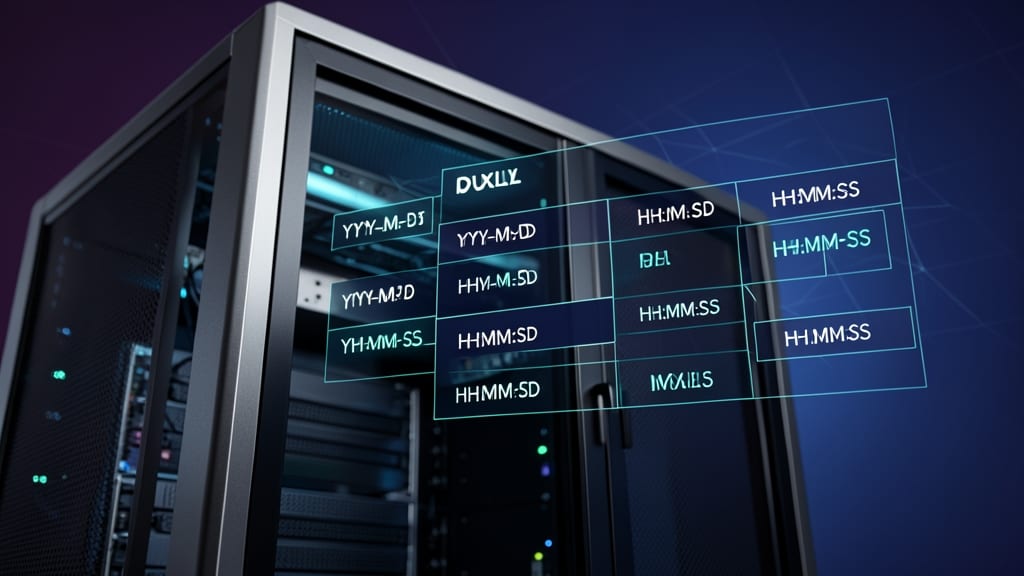
When building database-driven applications, MySQL’s native date and time formats are the backbone of efficient storage and retrieval. Unlike generic standards, these formats (YYYY-MM-DD for dates and HH:MM:SS for times) are optimized for SQL queries, ensuring lightning-fast filtering and sorting—critical for applications handling user activity logs or transaction records.
MySQL’s DATETIME and TIMESTAMP types store values in a compact, machine-readable way that integrates seamlessly with PHP’s DateTime object and Python’s datetime module. For example, a DATETIME column like 2023-10-15 14:30:00 lets you write precise queries like WHERE created_at BETWEEN '2023-01-01' AND '2023-12-31' without ambiguity.
Perfect for developers working with Laravel, Django, or raw SQL, these formats eliminate parsing overhead and reduce errors in cross-language applications. ⚡
Excel-Compatible Date Formats
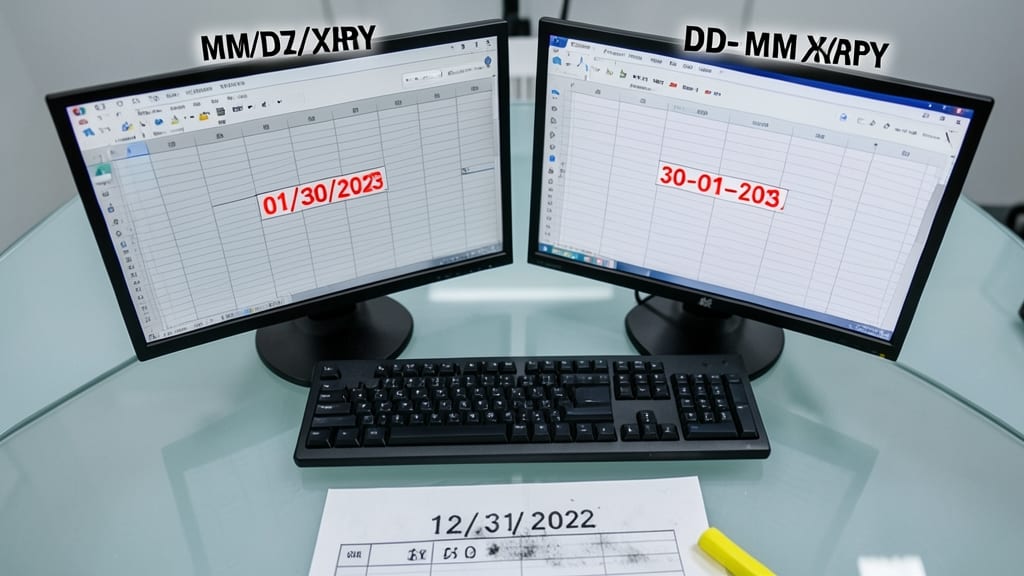
If you’ve ever imported data into Excel or Google Sheets only to find dates misinterpreted as numbers, you’re not alone. The MM/DD/YYYY and DD-MM-YYYY formats are the lifeline of business spreadsheets, ensuring dates render correctly and calculations stay accurate.
These formats are hardcoded into spreadsheet logic—Excel defaults to MM/DD/YYYY (e.g., 05/03/2024), while many European systems use DD-MM-YYYY (e.g., 03-05-2024). Both avoid ambiguity with two-digit years or ambiguous separators (like slashes or hyphens). Functions like =DATEVALUE() and =TEXT() rely on these structures to parse dates without errors.
Perfect for accountants, analysts, and teams sharing financial or operational data across regions. Just remember: consistency is key to avoid "44123" appearing as December 23 instead of May 12. ✨